



Laravel and Vue Integration Guide
Since you are reading this article we assume you know that Laravel and Vue.js are two of the most powerful and popular frameworks in modern web development. While Laravel, a PHP-based backend framework, offers robust functionality, including routing, authentication, and database management, meanwhile Vue.js, a progressive JavaScript framework, is known for its reactive components and ease of integration.And this massive combination creates a seamless full-stack development experience that enhances performance and user experience of your website.
And before we start to set them up them into your website, you need to have these prerequisites on your laptop:
- Node.js and npm
- Composer
- PHP 8.x
- Laravel 12 installed globally via Composer
All set? So, let’s start!
Setting Up Laravel–Vue Integration
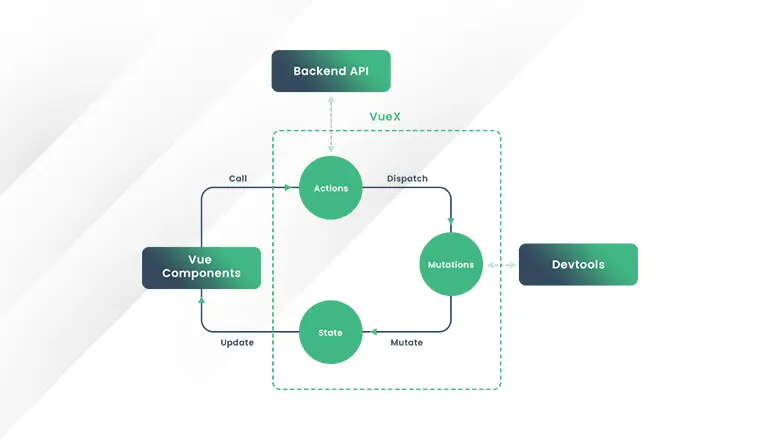
Step 1: Install Laravel
composer create-project –prefer-dist laravel/laravel laravel_vue_app
Then navigate to the project directory:
cd laravel_vue_app
Step 2: Install Vue.js in Laravel
Laravel provides Vue.js out of the box with the Laravel Mix asset compilation tool. Install Vue.js, by running the following command:
npm install vue@next
Then, install Laravel Mix and dependencies:
npm install
Step 3: Configure Laravel and Vue.js
Inside resources/js/app.js, import Vue and create a simple Vue instance:
import { createApp } from ‘vue’;
import ExampleComponent from ‘./components/ExampleComponent.vue’;
const app = createApp({});
app.component(‘example-component’, ExampleComponent);
app.mount(‘#app’);
Then compile assets using:
npm run dev
Building a CRUD Application with Laravel and Vue.js
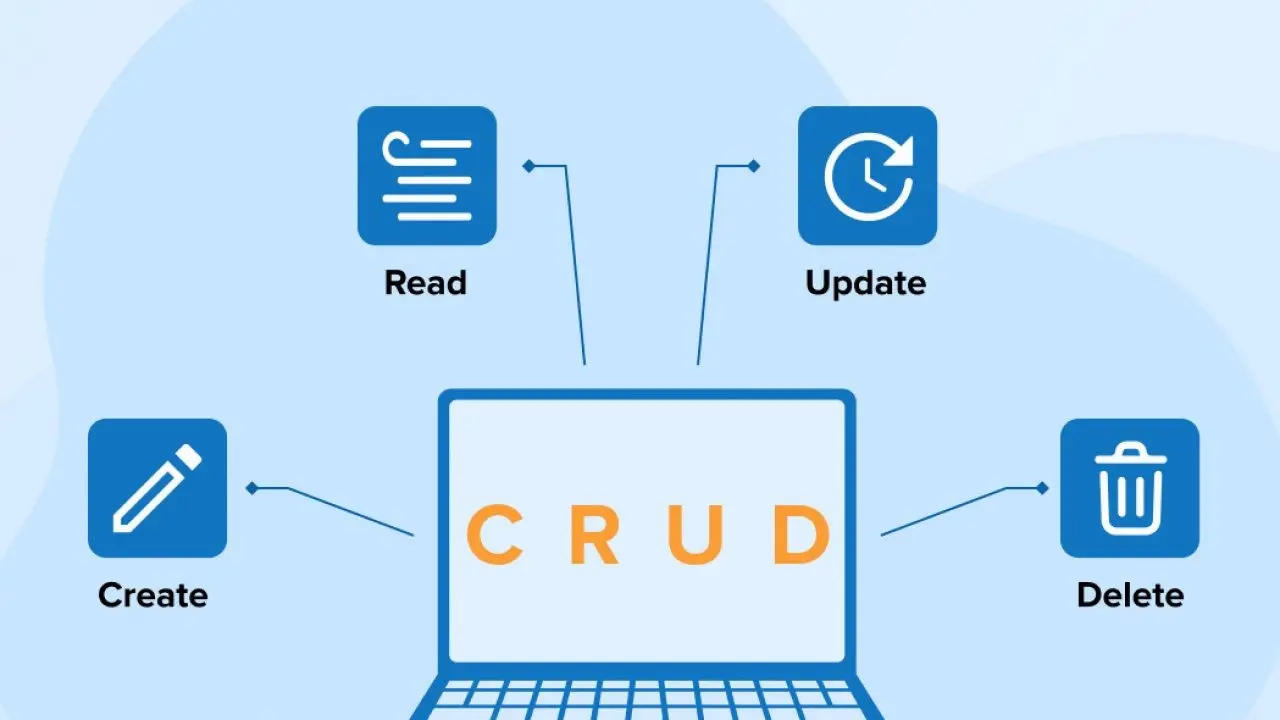
Create a Database Migration and run the migration command to create a new table:
php artisan make:migration create_tasks_table –create=tasks
Define the structure inside database/migrations/xxxx_xx_xx_xxxxxx_create_tasks_table.php:
public function up()
{
Schema::create(‘tasks’, function (Blueprint $table) {
$table->id();
$table->string(‘title’);
$table->text(‘description’);
$table->timestamps();
});
}
Run the migration:
php artisan migrate
Set Up the Laravel API
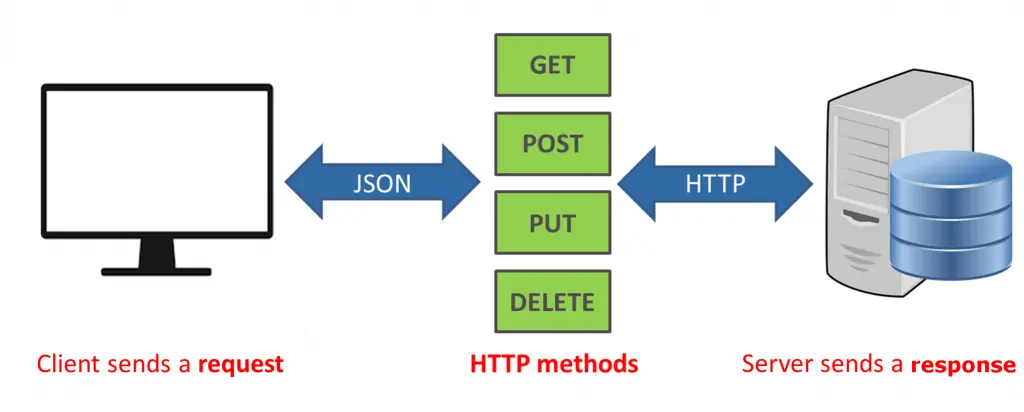
Create a Task model:
php artisan make:model Task -mcr
Then define routes in routes/api.php:
Route::apiResource(‘tasks’, TaskController::class);
Build Vue.js Components
Inside resources/js/components, create a new file TaskComponent.vue:
<template>
<div>
<h2>Task List</h2>
<ul>
<li v-for=”task in tasks” :key=”task.id”>{{ task.title }}</li>
</ul>
</div>
</template>
<script>
import axios from ‘axios’;
export default {
data() {
return { tasks: [] };
},
mounted() {
axios.get(‘/api/tasks’).then(response => {
this.tasks = response.data;
});
}
};
</script>
Register this component inside app.js and update the Laravel Blade template to include it.
It’s time For Authentication in Laravel and Vue.js
Laravel provides built-in authentication, which can be easily extended for Vue.js applications.
Install Laravel Breeze
composer require laravel/breeze –dev
php artisan breeze:install
This provides authentication scaffolding for Vue.js.
Configure Vue Authentication
Modify resources/js/app.js to handle authentication states using Vue Router.
As you can see, Integrating Laravel and Vue offers a powerful full-stack development environment where Laravel manages backend logic and Vue provides a modern reactive interface, but at the same time you can see how technical this process is. With a skilled technical team, as Intactdia you will be able to build scalable, efficient, and highly interactive web applications for your business.