


How to Combine CRM Data with Website Analytics
It was, it is and it will always be about how the business owners manage the CRM data and Website data for the steady development of the brand. As we know, your website generates a flood of valuable data every second, basically all of the visits, where they come from, and what they click, the administrator knows all of it. But this is only one piece of a much larger business puzzle. The huge amount of important data–about leads, sales, and customer lifetime (your niche data, by the way) value–lives somewhere else entirely. And they’re located in your CRM, your ad platforms, and your payment systems.
Today, you will learn everything about web analytics integration- the process of connecting these disparate data sources. Only by integrating them you close the gap between online behavior and real-world business outcomes and create for your business a single, unified view of the entire customer journey.
Why CRM Integration Matters For Your Business
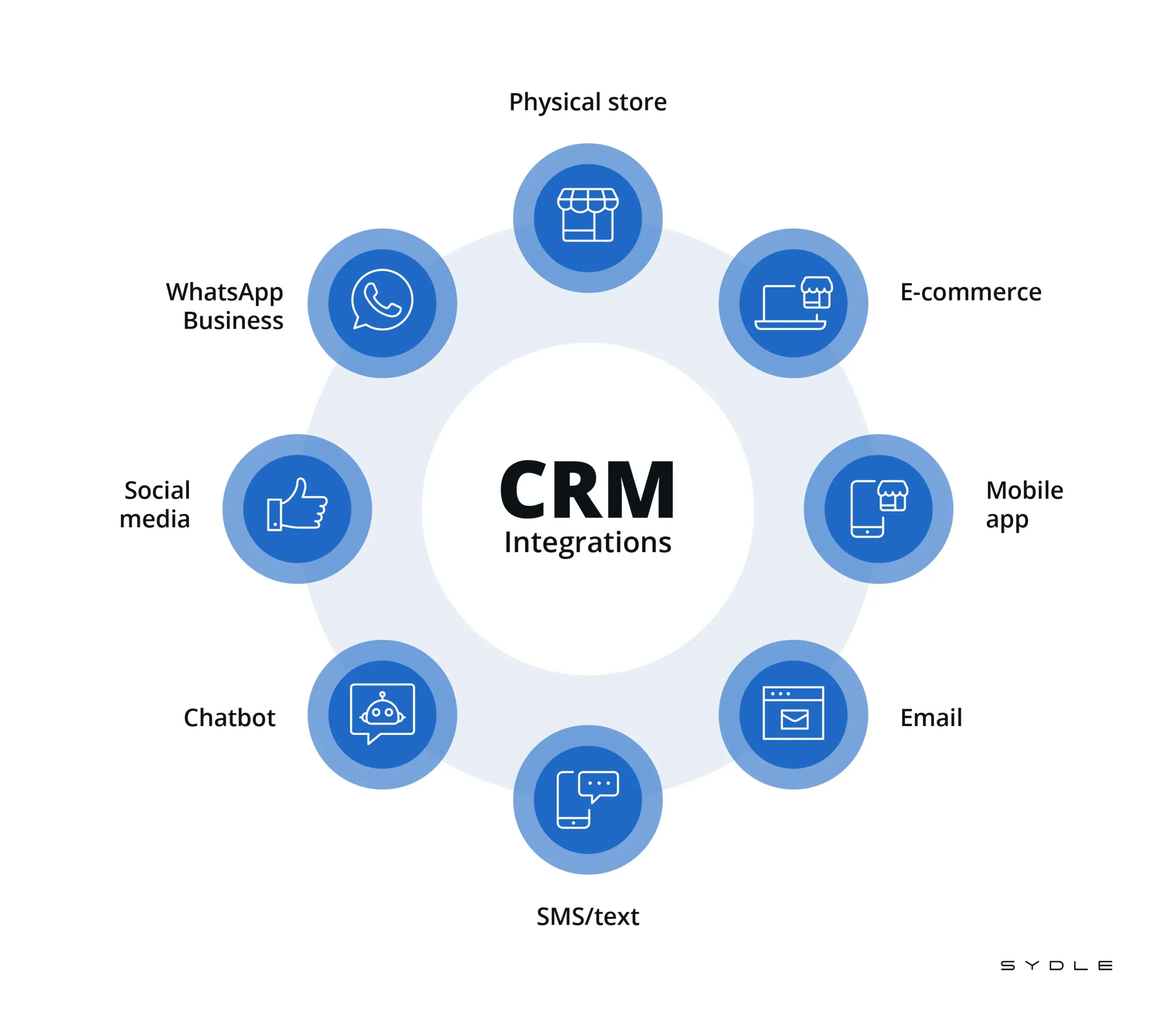
Remember this moment, when you’re checking your social media profiles and see hundreds of leads reaching out to your brand via DMs and comments. Usually the staff only interact with them on those platforms and they leave them there. But with integrated CRM, you will be able to see their purchase history, previous chats, and preferences all in one dashboard. That’s the power of CRM integration.
By connecting your leads to CRM system, your brand get:
- Unified customer experience: Your team get a seamless journey across platforms.
- Real-time customer engagement: All the responses to the customers will be quick and automated.
- Marketing automation via CRM: You can easily schedule messages, send updates, and automate campaigns.
Literally all the potential leads coming from different digital funnels will be smoothly integrated to your CRM+Website Analytics System. Plus, to that you can easily integrate the messengers to your system, for example, as Whatsapp is quite a popular messaging app in the Gulf countries, all the leads from this messenger to the specific CRM system.
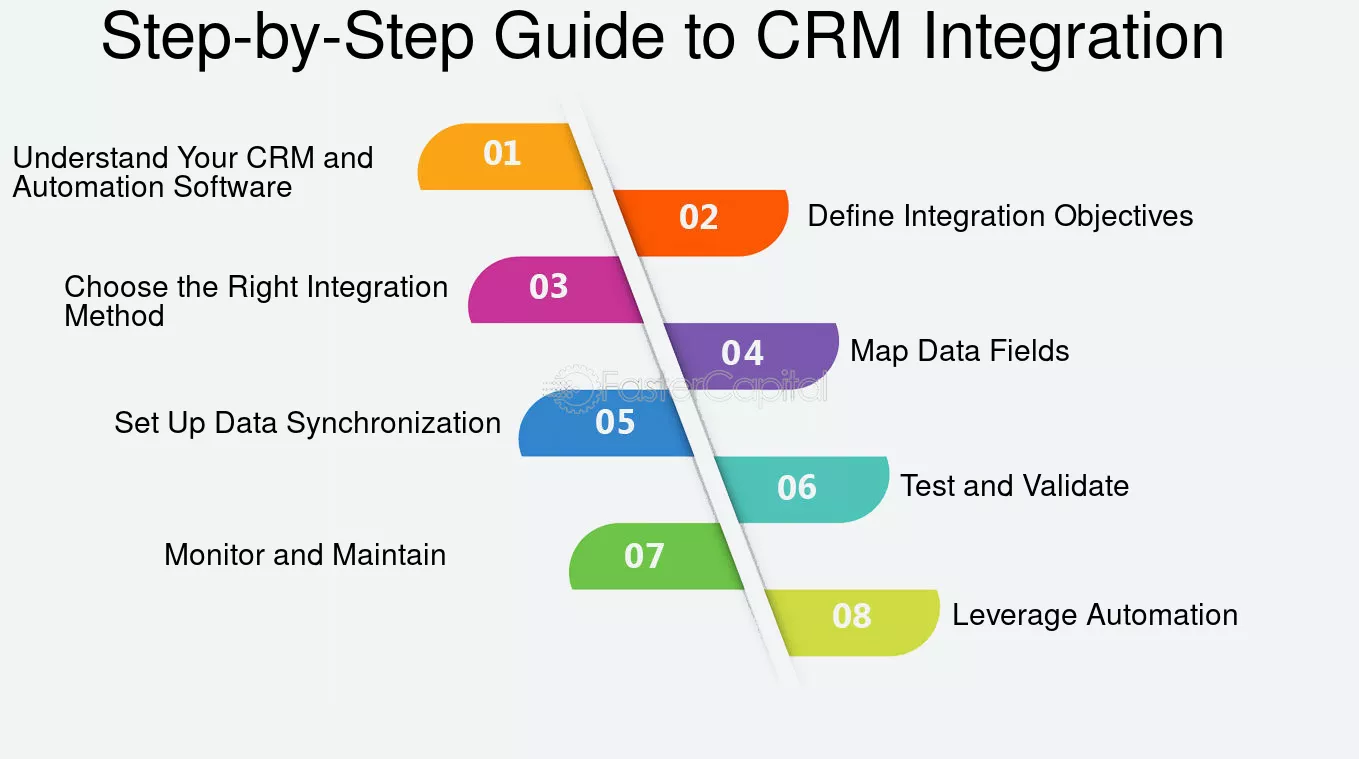
Steps to Combine CRM and Analytics Data
First-Find a key
The main requirement is the availability of a common key that can map the two data sets together. This step is quite complicated, you can definitely do it by yourself, but it’s highly recommended to have a tech team for solving the rising questions. Theoretically speaking, you can come up with your own unique keys for both of the platforms and then integrate them together.But, in this case it will be time-consuming. Though you can use Google Analytics, it has a preset parameter called Client ID (CID) which seems like an obvious choice. But, the issue pops up when the same user will be visiting your website from different browsers, in that case it can count it as two separate users which can directly affect your data integrity.
“The best practise, create your own user ID (UID) and then connect it to your CRM.”
You can do that by hashing the customer email address or the phone number and then passing it through Google Analytics.
Second-Prepare Google Analytics for the integration
Before you send data to Google Analytics, you need to shake it up for the integration.The system needs to know what to do with all the incoming data.
a)Install Google Tag Manager on your website (or any other tag manager, note: GTM works the best since it’s already closely integrated with Google Analytics and you don’t have to go through any extra work). You need the Tag Manager in order to set up the variables which are required to capture and send UserID to Google Analytics.
b)Enable and capture User-ID reporting in your Google Analytics-Go to Admin → Select the Property for which you want to integrate CRM data → Tracking Info → User-ID.Activate User-ID and set up a new one to create a User-ID view. After that,you will start seeing a new view of analytics reporting.
Final step-Upload CRM data into Google Analytics
You can either import data as CSV files directly to Google Analytics.You can do this either manually through the user interface or through automatically with the Google Analytics API.But in this case, you need to do it periodically manually. The other option is Measurement protocol,where you can customize the whole process and power all your CRM needs.
Hurry up to integrate your CRM system with Google Analytics, as GA4 is entering the market. As AI is getting more and more exposure in the global arena, your business with an integrated system can gain deeper customer insights, stronger personalization capabilities, and more effective marketing strategies.