


Why Some Websites Convert Better With Less Content
When it comes to getting traffic to your website and then converting it to the actual profit, there’s always those businesses that don’t have that appealing website, but still can make conversion. You can ask why? Now most of us know that the first correct response is ‘Brand Trust’-obviously. Yes, brand trust plays a huge role, but it goes along with the other core components.
Here’s the thing: we can’t convert 100% of the website visits. In fact, statistically, 96% of the traffic doesn’t convert. Industry reports cite that 2–5% is the average click-through rate of even established online businesses.
Today we’re going to identify the core components that literally carry the many not so appealing websites and make conversions for it.
Speed, Speed, Once Again-Speed
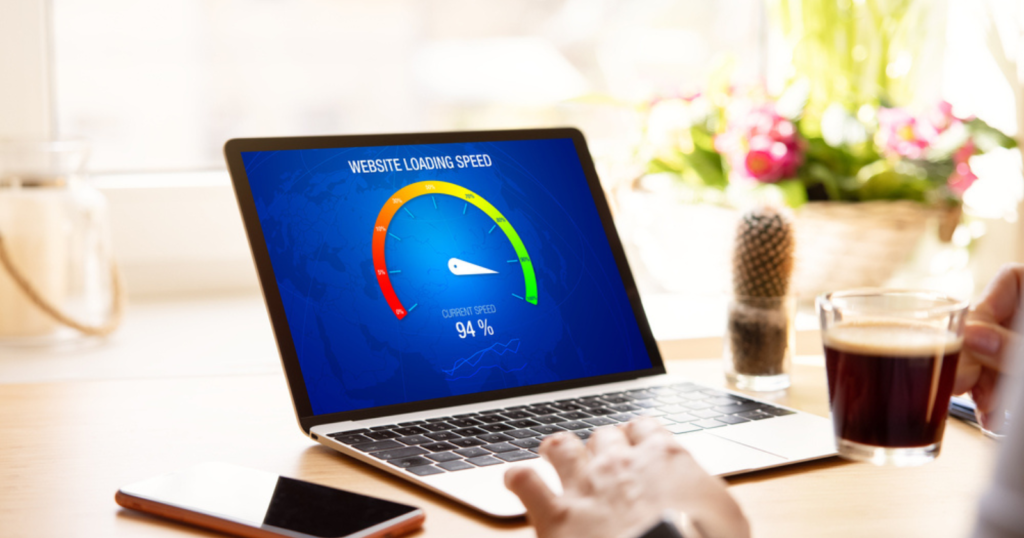
In the online world, speed can make or break conversions. A delay of just 1 second can lead to a 7% reduction in conversions — that’s potential revenue slipping away. Soç you need to keep the speed of your üebsite alüays optimized by doing the following tricks:
- a) Image Optimization-Heavy, unoptimized images slow down websites. The key is to use modern image formats like WebP and compress file sizes without sacrificing quality.
b)Browser Caching-When you caching the browser, static elements like stylesheets and images are saved on the user’s device, so the site loads faster on repeat visits.
c)Server Response Time-You need to identify and optimize server response time which can significantly improve how quickly the site processes and loads data.
So now you need to fix, here’s the fix: start with a free page speed test to pinpoint bottlenecks, optimize where needed, and perform continuous monitoring. Or get an expert. We can do a free site speed audit for you to help you identify issues and steps to improve. Contact us here!
Don’t oversee Website Accessibility
Most websites are built for the “average” user, but that approach leaves out millions of potential customers. An accessible design means the enhanced user experience for everyone, including differently-abled people, the elderly, and those in rural areas with slower internet. With an accessible website, your digital presence will have such features as better color contrast, keyboard navigation, and descriptive alt text for images improve usability for all users, reducing bounce rates and increasing conversions.
You can make accessibility audit by following these steps:
- CSS & HTML Check-error-free code ensures a smoother experience.
- Accessible Videos & Media-You need to provide written transcripts and captions for all audio and video content.
- Keyboard-Friendly Navigation-Enable your site navigation by keyboard, including dropdowns. Consistent header navigation across pages makes browsing easier.
- Alt Text for Images-Add descriptive alt text to images so visually impaired users can still engage with your content.
- Clear and Easy Content
Use clear, actionable links and make content accessible across all platforms for a smooth browsing experience.
And Yep, UX-UI Need To Master Them On Your Website
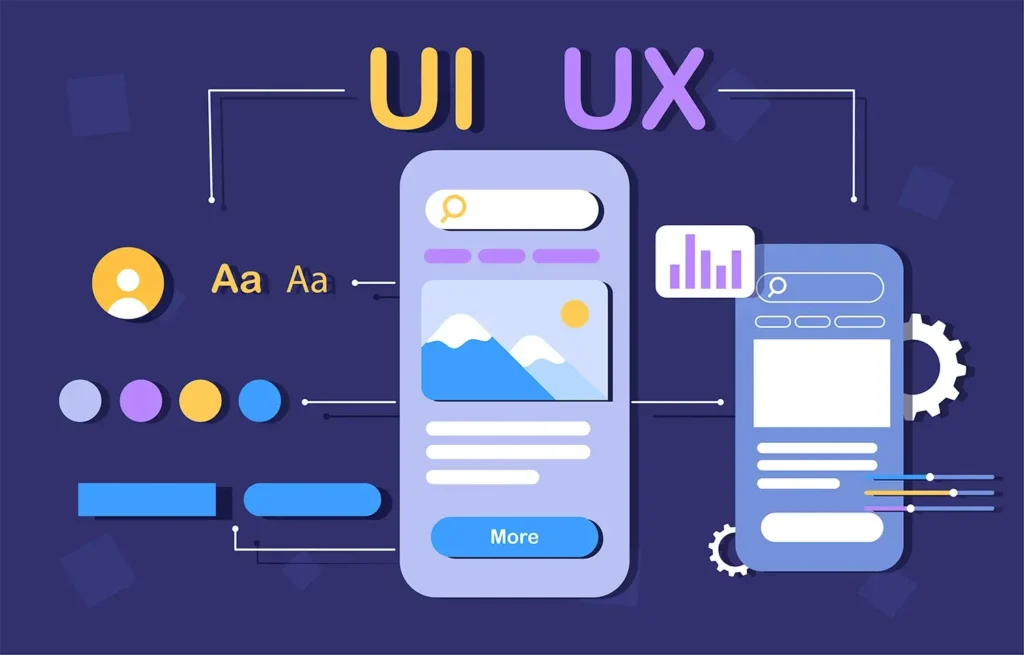
The agenda is pretty simple: visitors should find your site worth their time and attention.Value doesn’t just come from what you’re selling — it also comes from the user experience (UX) of your website. Your design can get awards, but if the site isn’t user-centric, it won’t convert well. Remember that:
- Good UX takes visitors on a journey, moving them smoothly from the most important element to the next.
While
- Bad UX leaves visitors confused, forcing them to figure out what’s important on their own amidst clutter and distractions.
Online, it’s not always about your products, it’s often about polishing a site that’s fast, accessible, and designed with the user in mind. That’s how you’ll turn visitors into loyal customers.